Motion Studio
A template-driven motion-graphics editor that renders and encodes social video clips entirely in the browser.
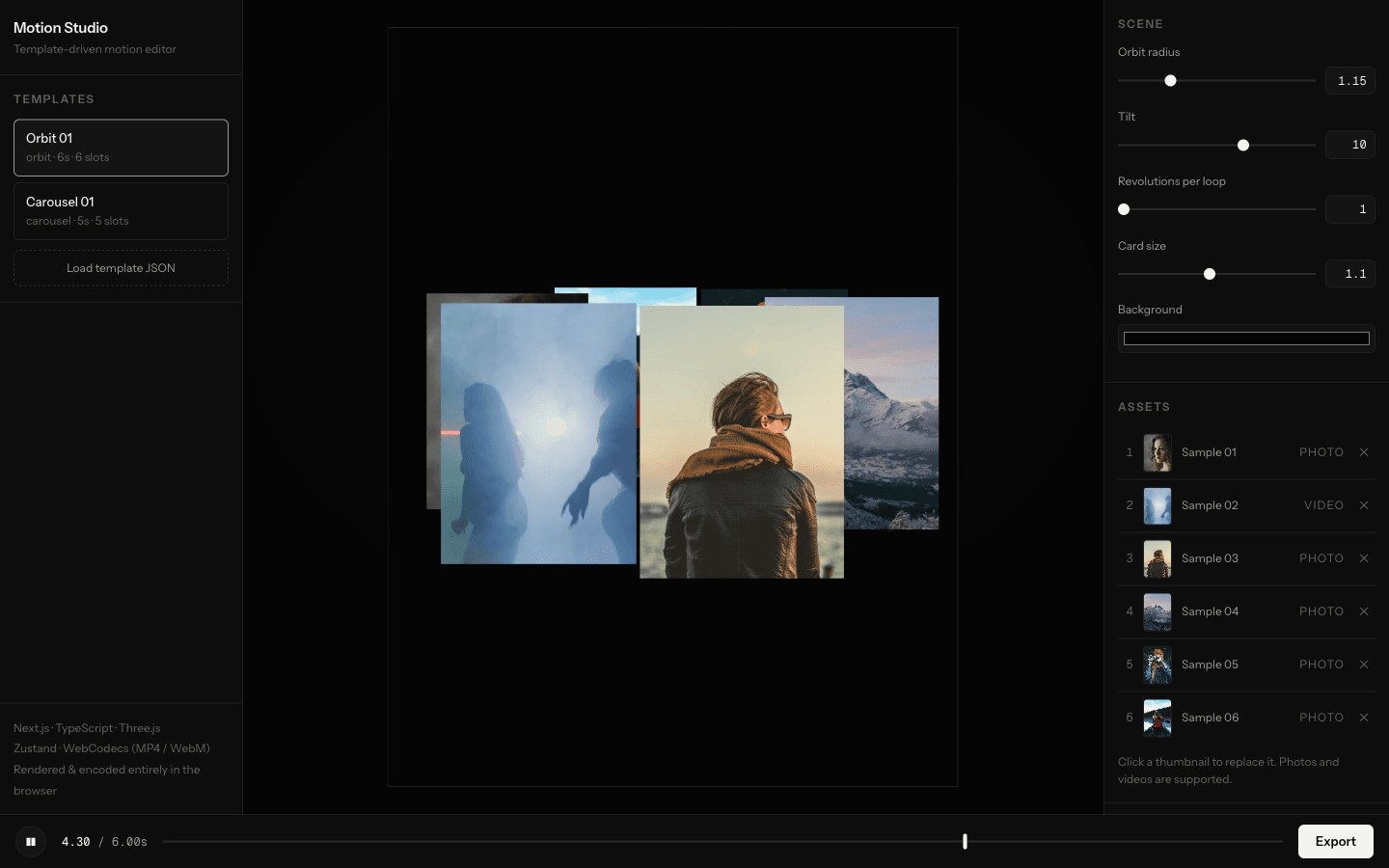
Orbit template: every control on the right is generated from the template's JSON manifest
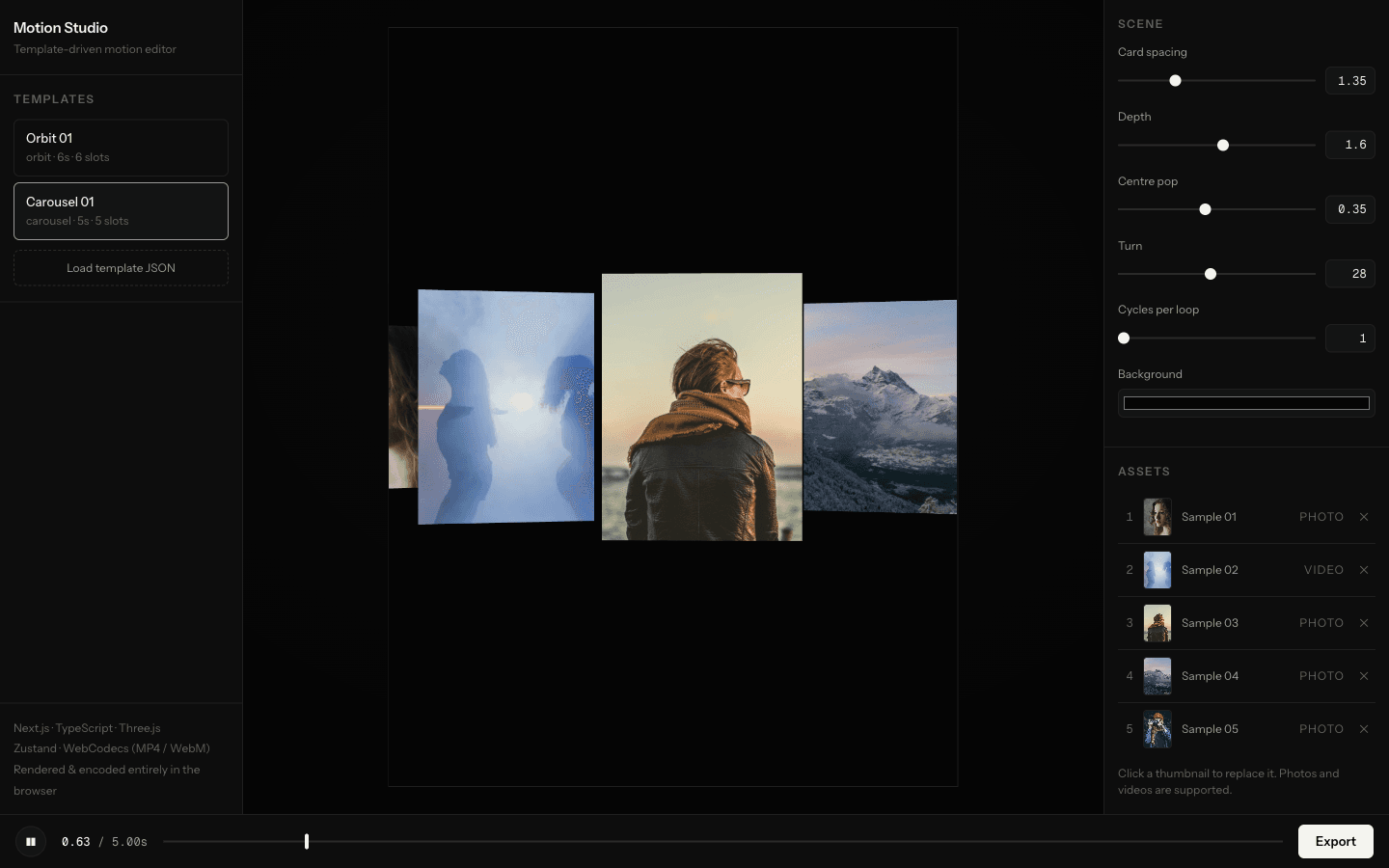
Carousel template: the left card is a video layer, not a photo
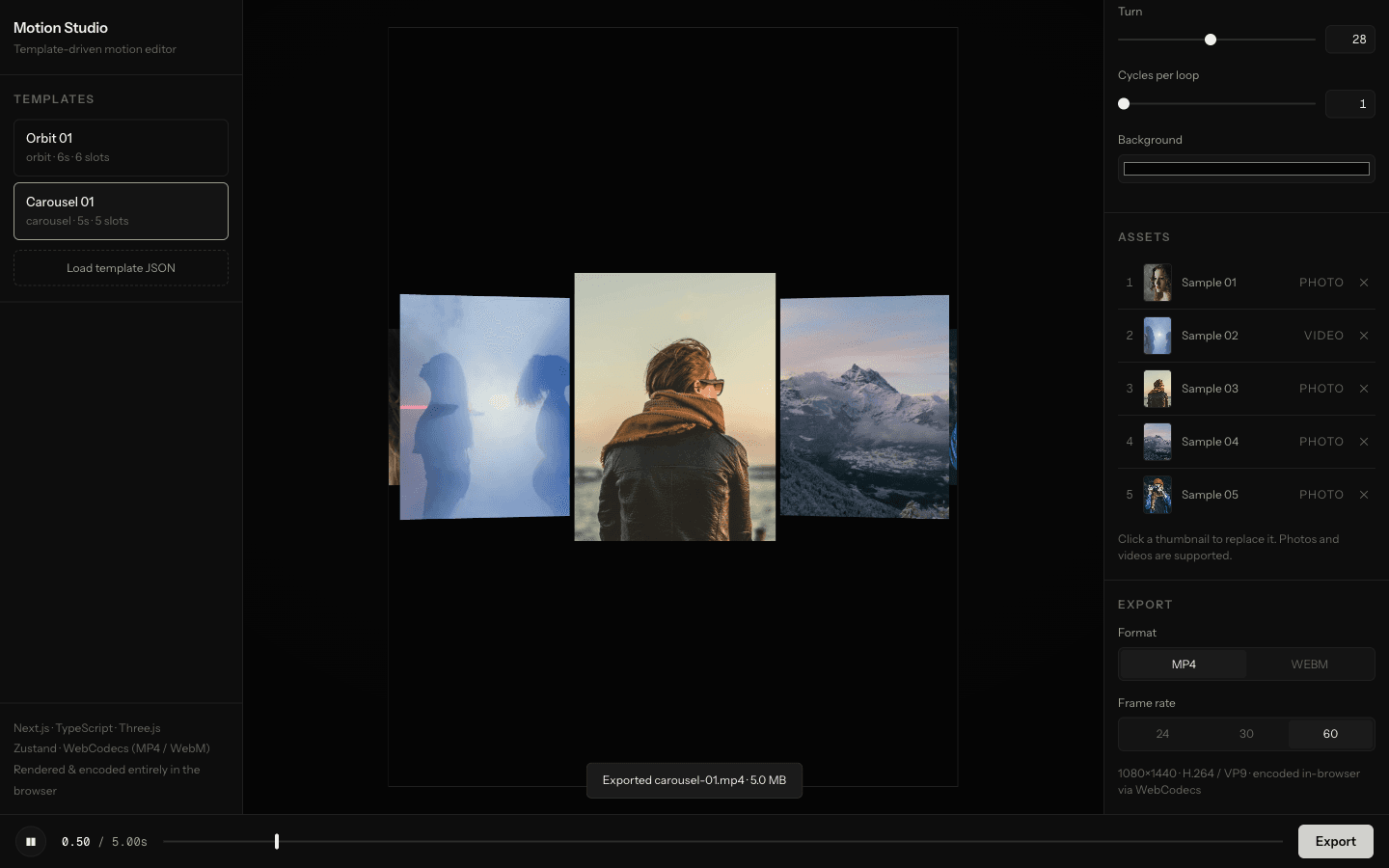
Export: a 5-second 1080×1440 clip encoded to MP4 at 60 fps, all client-side
// OVERVIEW
About the project
Template motion editors let a user drop photos into a preset animation and download a reel. The hard part is not the animation, it's the guarantee: the exported file has to match the preview pixel for pixel, or every tweak the user made in the browser is a lie. I built Motion Studio to prove an architecture for that guarantee, working prototype first, discussion second.
The core decision is that a frame is a pure function of the template, its parameters, the media and the time t. There is one renderFrame code path; the preview loop and the exporter both call it, always at the full export resolution of 1080×1440, and the preview canvas is just scaled down with CSS. Templates are JSON presets over a small registry of Three.js scene modules: the file carries the motion parameters and a manifest of controls with types, ranges and defaults, and the editor builds its right-hand panel from that manifest. Adding a template means uploading a JSON file, not writing components.
Video layers were the part most likely to break the guarantee, so they got the strictest treatment. During export a video element is never playing: before each frame is encoded, every video is seeked to that frame's exact time and the WebGL texture is refreshed. I verified it with ffmpeg by exporting a clip containing a video with a burned-in timecode, extracting the frame at 2.5 seconds, and reading 00:02.500 off the card. Encoding runs through WebCodecs into Mediabunny's muxers, MP4 or WebM, at 24, 30 or 60 fps, and hardware encoding keeps a 5-second clip faster to export than to watch.
The whole editor is client-side, so media never leaves the machine and there is no backend to run. It shipped in a day, from create-next-app to the live Vercel deploy, including two templates, sample media and this export pipeline.
// KEY FEATURES
What makes it work
Templates as JSON
A template is one JSON file with motion parameters plus a controls manifest (type, range, default); the editor renders its control panel from that manifest, so a new template ships with zero UI code.
One render path
Every frame is a pure function of (template, params, media, t); preview and export call the same renderFrame at full 1080×1440, with the preview canvas just CSS-scaled.
Deterministic video layers
During export, videos never play; each frame seeks them to the exact frame time before encoding, so a video's burned-in timecode lands on the matching export timestamp.
In-browser encode
Canvas frames go through WebCodecs into Mediabunny muxing: H.264/MP4 or VP9/WebM at 24, 30 or 60 fps, downloaded as a file with no server round-trip.
Template loader
Users upload their own template JSON; it is validated against the schema with named errors and appears in the library next to the built-ins.
// RELATED WORK